Every scan stays reviewable
Scan History
Keep scanned cards from each session in one place before moving them into collections or decks.
Scan history keeps session results together so collectors can review matches before moving cards into the right collection flow.
Scan a batch of Lorcana cards
Review the detected cards in one place
Move confirmed cards into collection or card detail workflows
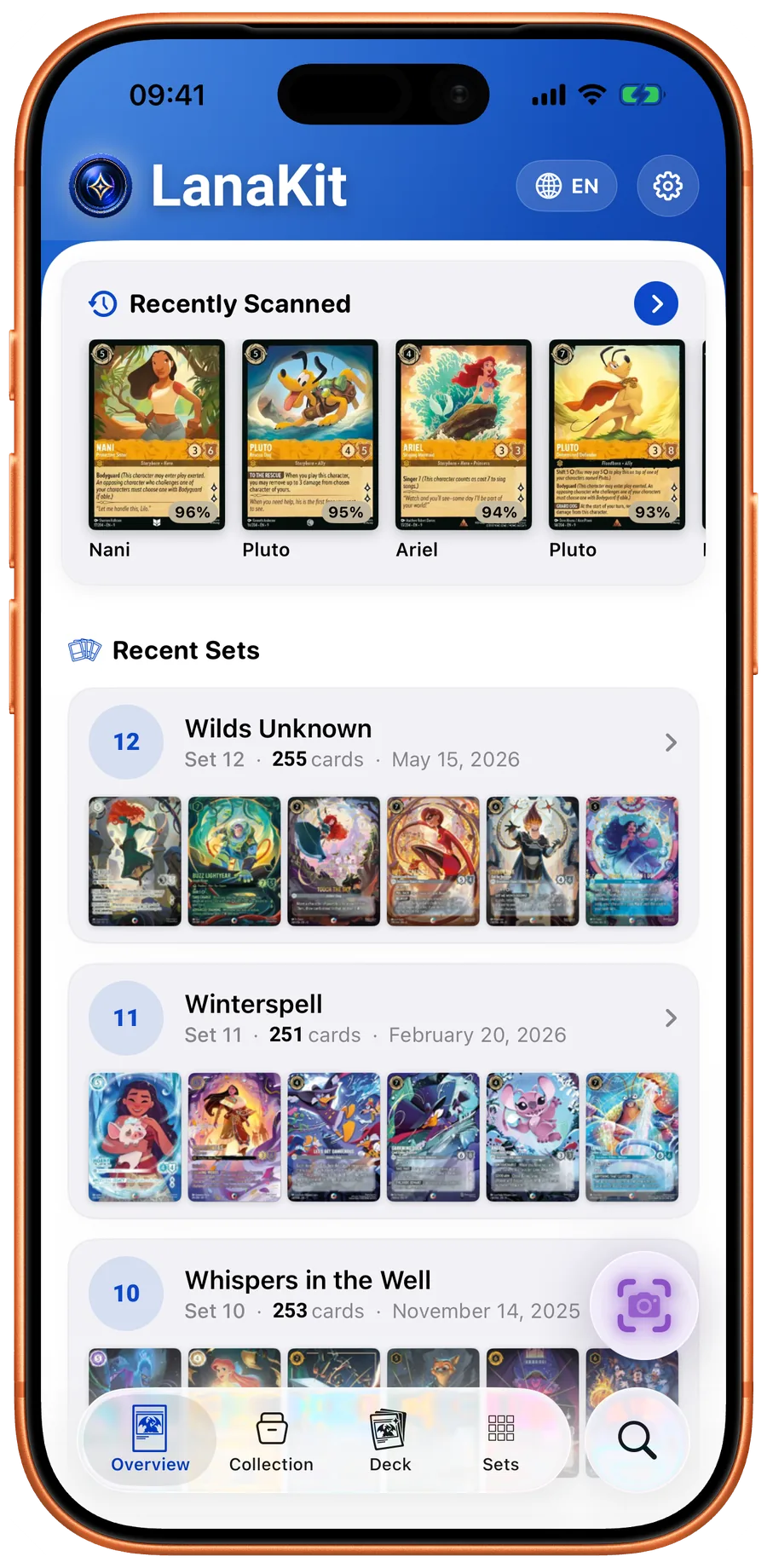
App screenshots
Review scanned cards after the camera
The scanner session remains available for cleanup, sharing, and collection work.
Session list
Review cards detected during the session.
Live detection
Scanner matches create the history.
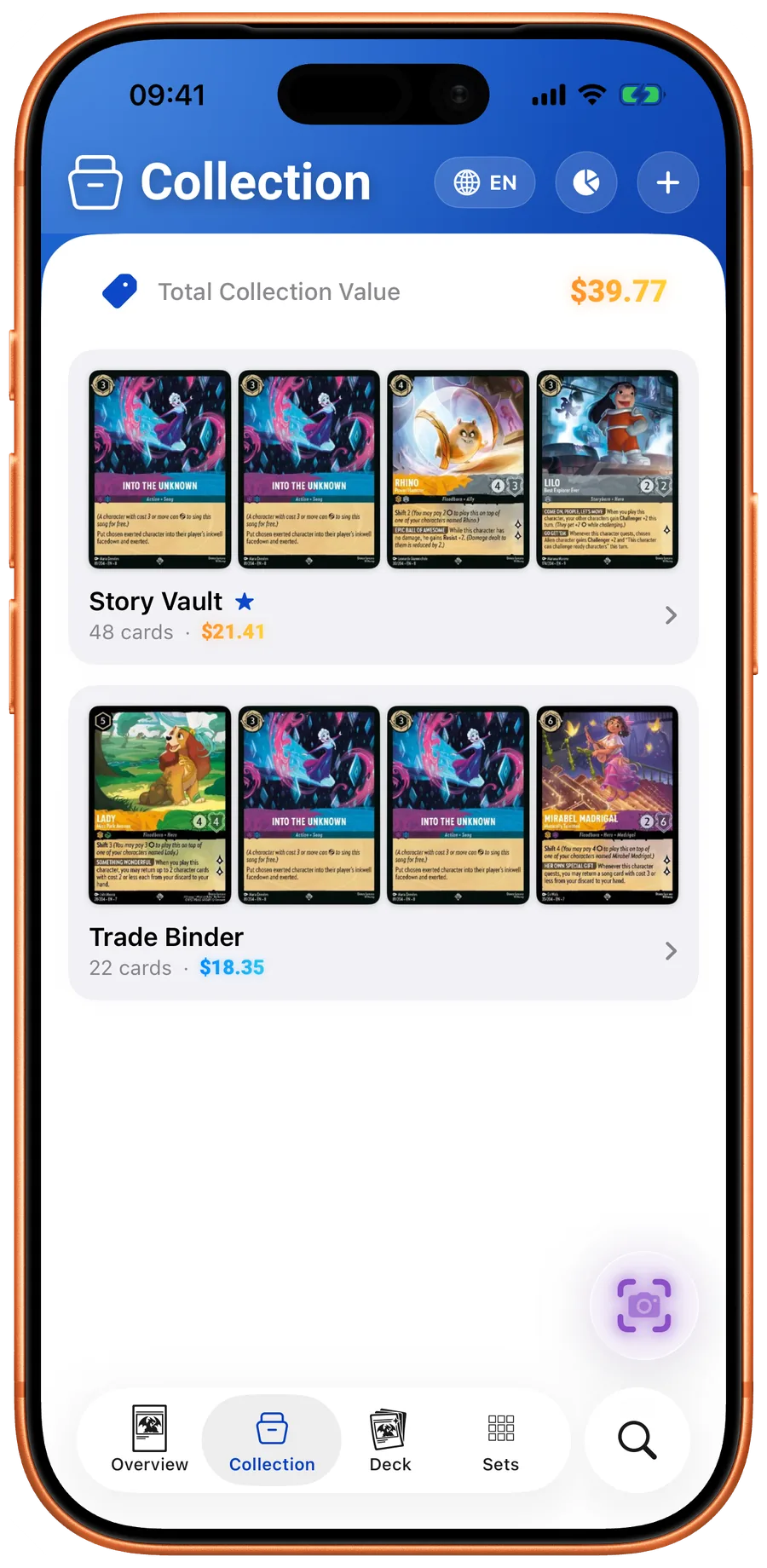
Collection handoff
Confirmed scans can become managed inventory.
Features
All Features
Card Identifier
Identify the exact Disney Lorcana print from a photo, with rarity, value, and collection context beside the match.
AI Card Scanner
Point your camera at any Disney Lorcana card and it's identified in under a second. Works with every set and rarity.
Live Pricing
Check market prices, price history, and marketplace options from Cardmarket, TCGPlayer, and eBay.
Collection Tracker
Create collections to organize physical cards, quantities, duplicates, values, and set progress.
Collection Value
Track total collection value, market movement, and cards that changed the most.
Deck Builder
Build legal 60-card decks with ink identity, card counts, copy caps, and list stats built in.
Search & Discovery
Search across cards, sets, and inks. Filter by ink, type, rarity, cost, and more.
Deck Sharing
Export decklists as clean images, detailed text, or plain text for chats, events, and community tools.
Card Database
Complete Disney Lorcana card database. Fully offline after first sync.