Scanner apps
Lorcana Scanner Apps Compared: LanaKit, Dreamborn & More
Choose a Lorcana app by what happens after the scan. Does it save the right printing, separate your foil copies, and make your existing collection easier to manage? This comparison is published by LanaKit, one of the apps below. It is based on product documentation and our own app, not an independent recognition-speed test.
Quick take
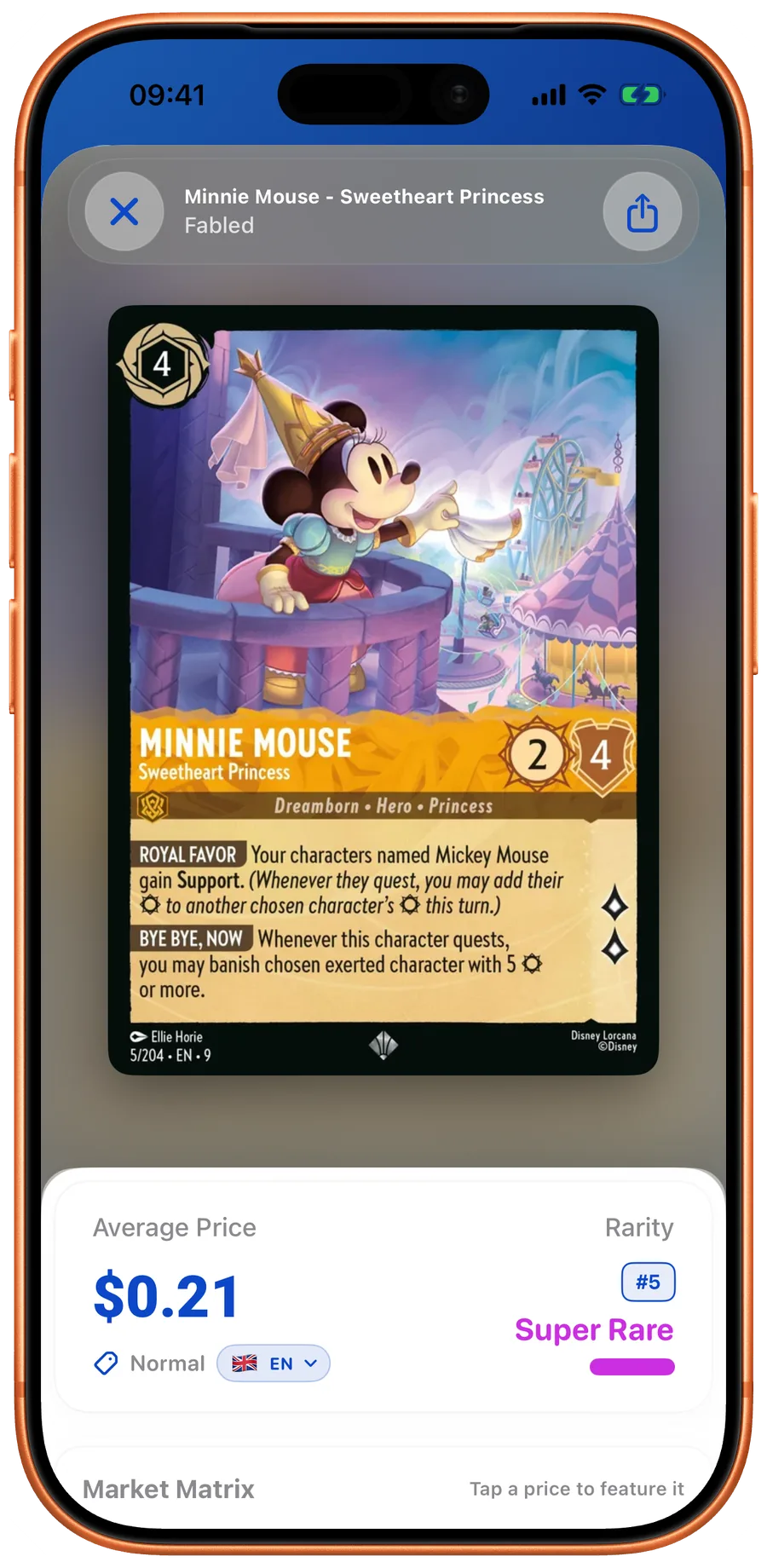
- LanaKit combines camera scanning, collection records, price references, and deck tools on iPhone.
- Dreamborn now advertises a scanning companion app. It is not only a browser deck builder.
- Before paying, check recurring costs, export formats, and the workflow with cards you actually own.
| App | Collector workflow | Check before choosing |
|---|---|---|
| LanaKit | iPhone scanning, collections, finish quantities, pricing references, decks, and CSV/text/JSON collection export. | Free download with subscription features. Inspect scan matches and plan terms in the app. |
| Dreamborn | Web-based collections and decklists, with a scanning companion app advertised on its site. | Check the current companion-app features and whether they fit your existing Dreamborn workflow. |
| Lorcery | Advertises camera recognition, normal/foil collection quantities, and pricing on iOS and Android. | Check current free access and paid features in the listing for your platform. |
| Official Lorcana app | Ravensburger’s card catalog, deck builder, lore counter, and play reference. | Choose it for the official game companion workflow; verify any collector-specific feature you need. |
Start with the collection you already have
For an established collector, switching cost can matter more than another scanner. Export a small sample from your existing service first. Check names, collector numbers, quantities, finishes, and languages. A CSV label alone does not guarantee that two services agree on columns or printing identifiers. Keep an untouched backup before adapting any file.
Try a small, mixed stack
Use a few regular cards, a foil, two versions of the same character, and a card with difficult sleeve glare. Confirm the set and collector number after recognition. Check how many taps it takes to correct a match and add a duplicate. These are practical evaluation steps, not benchmark results for the apps in this article.
- Check identification and finish separately.
- Check the price source, currency, and observation date.
- Try an export before moving your entire collection.
When LanaKit is a good fit
LanaKit is designed for collectors who want their physical collection on iPhone: scan a stack, check the matched cards, organize quantities, and inspect price references without maintaining a separate spreadsheet after every session. The public website is useful for browsing and checklists; the website itself does not scan with your camera.
What this comparison does not prove
We have not run a controlled, current accuracy or speed benchmark across these products. Competitor capabilities are summarized from their own pages checked September 7, 2026. App features and subscriptions can change, so verify the listing and purchase screen before committing.
Sources and further reading
Your next pull belongs in LanaKit.
Take your collection with you. Scan, organize, check prices, and build decks on iPhone or Android.
Download for iPhoneDownload for AndroidFree download. In-app purchases.