Website vs app
Lorcana Card Scanner Website or iPhone App?
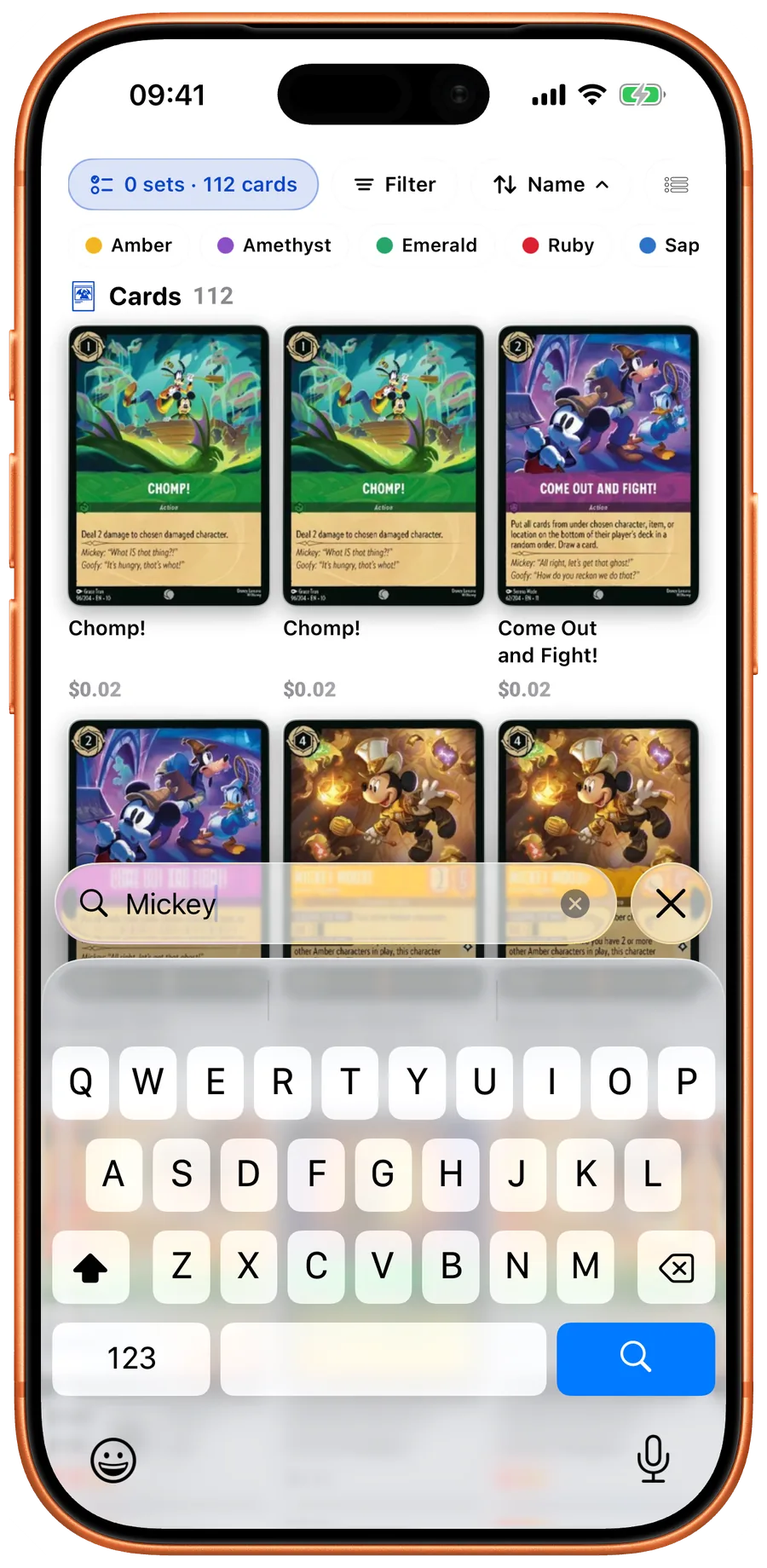
The LanaKit website is a card library, not a browser camera scanner. Use it to identify cards manually, research a set, or print a checklist. Use the iPhone app when you want to point a camera at physical cards and keep the results in your collection.
Quick take
- The web library supports search, card details, set browsing, and printable checklists.
- Camera scanning and the app’s collection workflow are in the iPhone app.
- A card page is research; it is not proof of a current sale price or of authenticity.
When the website is enough
For one card, read the name and collector number from the bottom bar. Search the library, then compare the set, artwork, and printed number. If you are organizing a binder, open the set checklist instead of searching each card separately. The checklist can keep normal and foil selections separately in your browser and export them as CSV.
When scanning helps
Camera entry is useful when the same manual search would repeat across a stack. In LanaKit, frame a card, review the matched record, then confirm the finish and quantity. Keep the physical cards in order while checking the scan session so that a missed or repeated card is easier to spot.
What stays available offline
The app keeps saved collections and downloaded catalog data on the device. Uncached images, fresh catalog and price data, and subscription verification require a connection. Do not rely on an old cached price for a time-sensitive trade.
Choose the smallest useful workflow
For occasional research, start with the web library. For repeated collection entry and organizing, evaluate the iPhone app with a small stack first. A collector who already maintains a working spreadsheet may prefer exports over moving everything into another service.

Your next pull belongs in LanaKit.
Take your collection with you. Scan, organize, check prices, and build decks on iPhone or Android.
Download for iPhoneDownload for AndroidFree download. In-app purchases.