Lorcana Collection Value Calculator
Enter one row per printing and finish using prices in the same currency. The calculator adds your copies and shows a separate estimate after your selling assumptions. Changing the currency label does not convert your inputs. No price lookup or appraisal is implied.
Collection value calculator
At a glance
- Reference total = quantity × price for each row, added together.
- Assumed sale value applies your chosen discount; net value subtracts fees and fixed costs.
- Entries stay in this page and are not saved when you reload.
Count what you own before pricing it
Separate regular and foil copies, different languages, and materially different conditions into their own rows. Do not multiply your entire binder by the price of its most valuable card. Start with a small set or one collection so you can reconcile the number of physical copies against the number entered.
Worked example
Two copies at 10.25 and one at 30 give a reference total of 50.50. A 20% sale discount reduces that to 40.40. A 10% selling fee removes 4.04, and 5.00 of shipping and other costs leaves 31.36. These numbers demonstrate the formula; they are not current Lorcana prices.
Use dated, comparable inputs
Read the observation date beside a price reference and check current comparable listings or sales. Missing prices should stay unknown until you research them. Entering zero is an explicit zero-value assumption, not evidence that a card has no value.
Keep the collection current in LanaKit
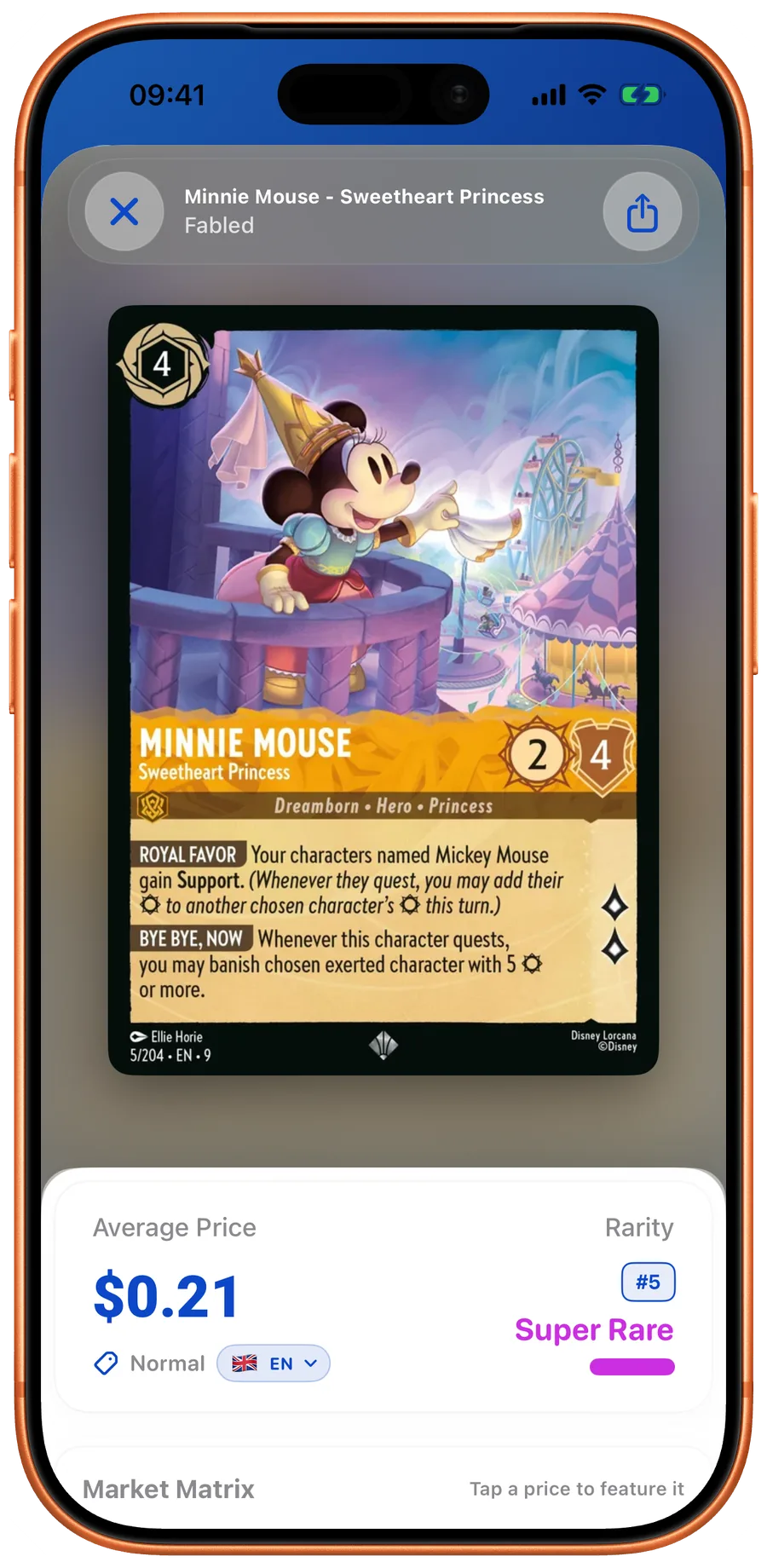
For ongoing inventory, the iOS and Android apps record quantities and finishes, connect cards to market references, and show collection insights. iOS collection exports require an active subscription. Android collection text exports have no Pro gate; sending an independent collection-copy file requires Pro. The browser calculator is a manual estimate and does not sync with the app.
Related guides
LanaKit
Keep track of every copy.
Scan a card, confirm the printing and finish, then add it to your collection. Browse cards, build decks and check available price estimates.