Lorcana Deck Builder or Collection Tracker: Choose Your Workflow
A decklist describes what you want to play. A collection describes what you physically own. Keeping the two distinct avoids treating borrowed cards as owned copies or buying cards already in another binder.
At a glance
- Keep owned quantities separate from decklist quantities.
- Review the current format’s legality, not just the deck’s card count.
- Test export formats with a small list before moving your collection.
Start with your inventory
Record regular and foil copies, duplicates, and languages. Decide how you will represent borrowed cards or cards reserved for another deck. A clear collection record makes deck planning useful even when you choose to share lists through a different service.
Choose where the list lives
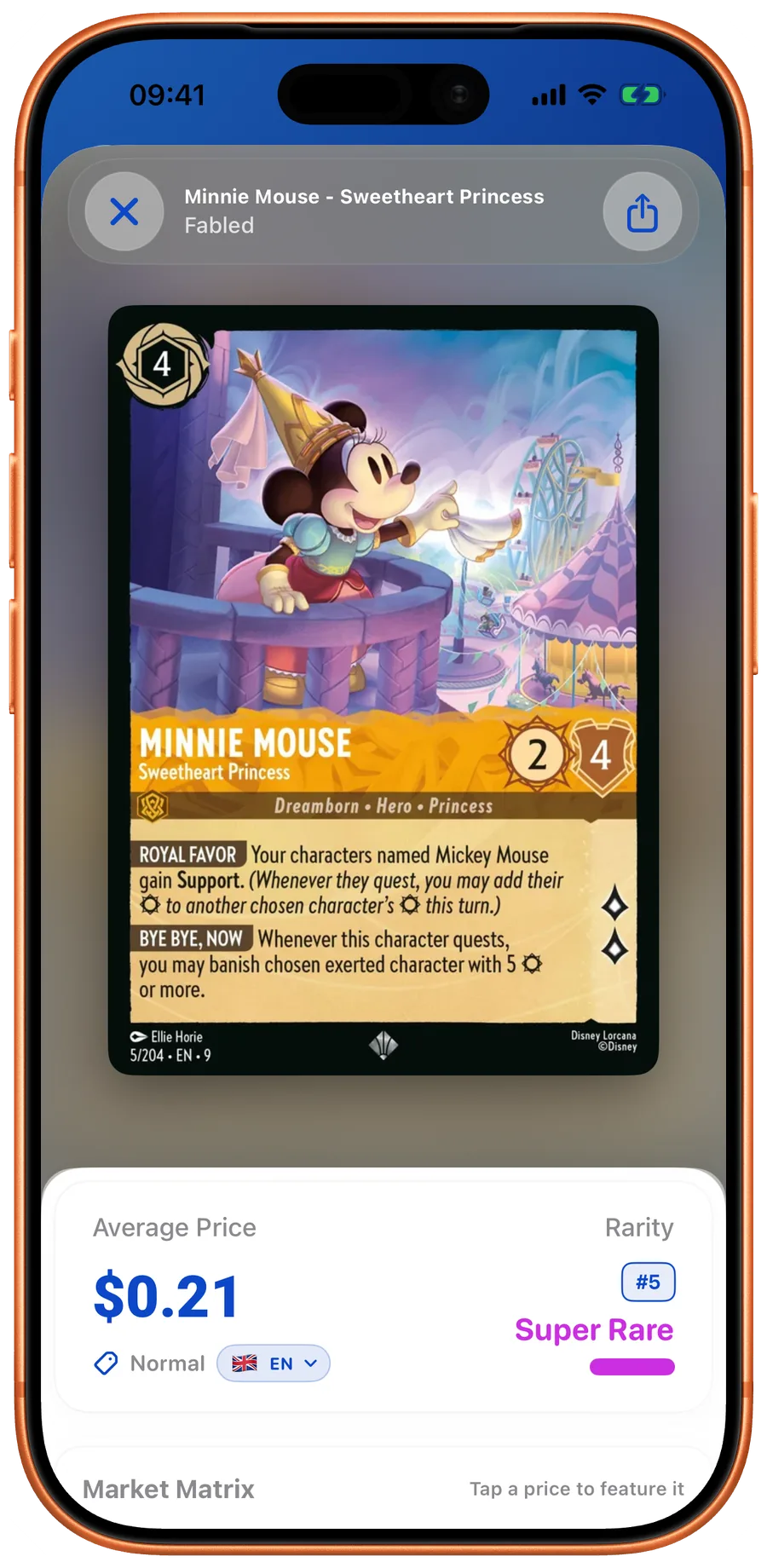
Dreamborn offers a web collection and deck ecosystem and now advertises a scanning companion app. The official app is Ravensburger’s game reference with deck tools. LanaKit brings scanning, collection records, card search, and deck sharing together on iOS and Android. None of those descriptions is a controlled test of which app is universally best.
Check the format before an event
For Constructed, check the current rules on deck size, ink types, full-name copy limits, and any format-specific legality or banned cards. In-app counters are a useful aid, not a replacement for current tournament documents and event requirements.
Share a useful decklist
A full card name and quantity travel better than a screenshot with tiny card text alone. LanaKit supports visual and text deck sharing. Before importing into another tool, inspect its expected format; a text export does not imply universal compatibility.
Sources and further reading
Related guides
LanaKit
Keep track of every copy.
Scan a card, confirm the printing and finish, then add it to your collection. Browse cards, build decks and check available price estimates.